Hello world!
This is my first post on the website.
The goal of this site is to practice creating a personal website.
I’ll add a photo of some fireworks here:

Next I’ll try changing the background color.
This is a paragraph block so I can work on the background color. I’m going to write some text here to be a few lines long. I’m using voice recognition to write out these words in order to save time.
I intentionally put in a spacer there to add white space between the text.
Let’s try writing in columns here.
This is column 1.
I’m practicing writing the text in columns to organize the page.
Column 2 will have an image of Trajan’s column:
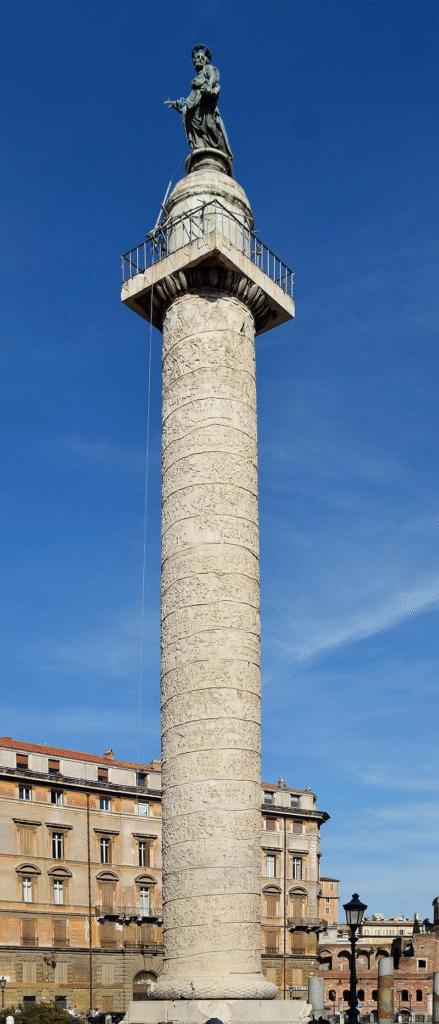
This is Column 3
It’s just a placeholder to store additional text around the image of Trajan’s column.
Ok, that was fun. Now let’s make a new paragraph block and pracice changing the background color again. To do that, I need to transform this block of text into a “group” using the WordPress block editor. Next, I use “command, shift, comma” keyboard shortcut on the Macbook to open up the settings panel to gray. And I can change the backgrounnd color. I can also change the text color to white.
Using Headings for H2 and Imbedding Tools and Links in WordPress
I added a heading there, which is an H2 tag in HTML.
Let’s try adding a quote from Julius Caesar:
“Veni, vidi, vici”
Julius Caesar
Sticking with the Roman Empire theme, here’s a century or so later, from Gladiator. I’ll use the YouTube Embed block to add the youtube video of the Victory Theme:
Let’s publish the article now.
I’ll add the author box below:
